
Independent review · 2026
HyperWrite Review
HyperWrite ranks #20 with essay fit 7.1/10 as a browser-native drafting assistant — AutoWrite in Gmail and Google Docs, TypeAhead sentence continuations, research sidebar — priced around $20/month on premium tiers. It meets students where they already write instead of forcing a separate essay mill tab. Strengths are frictionless sentence-level help and email-to-professor polish; weaknesses are drift into over-generated paragraphs when you accept every TypeAhead ghost finish without owning the argument.
hyperwriteai.com · #20 in TOP 50
Essay generator
Browser assistant for drafting
Our verdict
HyperWrite ranks #20 with essay fit 7.1/10 as a browser-native drafting assistant — AutoWrite in Gmail and Google Docs, TypeAhead sentence continuations, research sidebar — priced around $20/month on premium tiers. It meets students where they already write instead of forcing a separate essay mill tab. Strengths are frictionless sentence-level help and email-to-professor polish; weaknesses are drift into over-generated paragraphs when you accept every TypeAhead ghost finish without owning the argument.
Overview
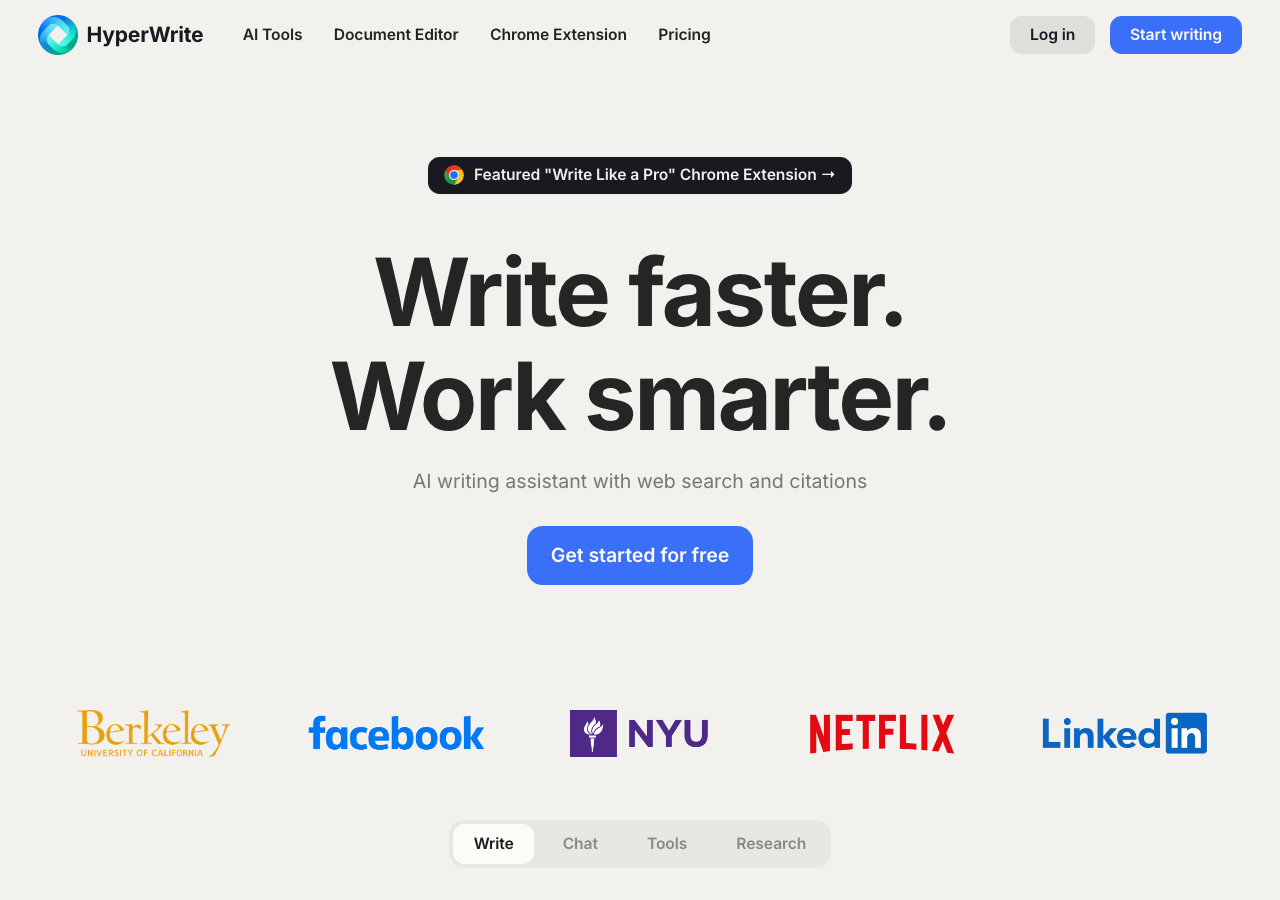
HyperWriteAI built audience among professionals living in Chrome; students adopted it for incremental composition — each sentence nudged forward rather than thousand-word dumps. That pattern aligns better with integrity policies that distinguish ‘assisted typing’ from ‘generated essay’ if you stay disciplined. Unchecked AutoWrite on empty docs produces the same detector vulnerabilities as Textero or ChatGPT.
2025–2026 reviews mention helpful rephrasing during lab report discussions and temptation to let TypeAhead write entire intros during all-nighters. The product is only as academic as your restraint; essay fit 7.1 rewards mindful use, punishes autopilot.
Commuter students drafting between classes on library Chromebooks value HyperWrite’s browser model — no heavy desktop install, but stable Wi-Fi becomes part of the toolchain.
Night-shift students writing at 3 a.m. should disable TypeAhead when exhausted — half-accepted ghost sentences create incoherent submissions you will not remember.
HyperWrite’s signature is contextual continuation: start a sentence, accept or reject ghost text, keep writing. AutoWrite generates longer blocks from prompts inside supported sites. Research assistant surfaces web snippets — verify before citing; sidebar summaries are starting points, not bibliography entries.
Versus Notion AI embedded in notes, HyperWrite follows you across the open web. Versus Wordtune’s rewrite-first design, HyperWrite leans generative continuation. Versus full essay shops, HyperWrite never delivers a packaged paper — you assemble incrementally.
Premium unlocks higher monthly generation caps and advanced tools; free tier suffices for light email tasks, frustrates during finals. Extension conflicts occasionally appear with other grammar overlays — disable duplicates.
Essay fit 7.1 and rank #20 reflect solid assistant utility without best-in-class academic citation features found in Yomu or Paperpal.
Flexible Workflows and custom personas help set ‘undergraduate sociology’ tone — personas reduce marketing voice bleed if you configure them once per course.
Speech-to-text plus HyperWrite helps students who draft orally first; still verify transcribed names and theorist spellings before submit.
HyperWrite's Flexible Workflows feature lets you save course-specific personas — one persona for formal history papers, another for casual discussion posts reduces tone whiplash when switching assignments midweek.
Browser-assisted drafting
Disable TypeAhead until you have a thesis sentence typed manually — anchor the doc in your words first. Use AutoWrite on bullet lists you wrote from lecture notes, not on empty prompts with only the assignment title.
For professor emails and extension requests, HyperWrite shines: tone adjustments, brevity, politeness without outsourcing sincerity — read every line so you do not send accidental nonsense.
Research sidebar: click through to original pages, save PDFs to your reference manager, then paraphrase with understanding. Copying sidebar blurbs into footnotes fails oral follow-ups.
When collaborating in Google Docs, turn off extensions that write into shared files without teammates’ knowledge — transparency prevents group integrity disputes.
Personal statement and cover letter workflows are HyperWrite sweet spots — short, high-stakes prose where tone tweaks matter more than citations.
Keyboard shortcut habits speed acceptance of TypeAhead — deliberately slow down on conclusion paragraphs where instructors scrutinize voice most.
History students drafting in Google Docs with split-screen primary sources benefit from HyperWrite rephrase on their own summaries — not on unattributed paste from Wikipedia.
Extension updates occasionally reset preferences — recheck disable toggles after Chrome auto-updates before midterms.
HyperWrite email templates help contacting professors about extensions — keep human sincerity; AutoWrite politeness without specifics annoys faculty.
When HyperWrite research sidebar returns paywalled abstracts only, open the full text through your library proxy before citing — sidebar snippets are not substitutes for reading.
Turnitin, detectors, and campus policy
Incremental assistance complicates policy interpretation: some syllabi ban ‘any sentence-level AI,’ others ban only ‘substantive generation.’ HyperWrite users should seek explicit guidance before capstones.
Accepting long AutoWrite spans produces holistic AI cadence Turnitin may flag; sentence-by-sentence curation spreads human authorship signals — not a guaranteed evasion tactic, but closer to ethical blending when permitted.
TypeAhead while tired leads to accidental submission of thoughts you did not read — treat ghost text like a pushy co-author you must edit.
Browser extensions may transmit page content to cloud models; avoid using on confidential exam portals or unpublished research if your lab forbids third-party processing.
Honor boards increasingly ask whether browser assistants ran during take-home exams — screenshot your extension toggle states if policies require proof of disablement.
Dual enrollment students juggling LMS platforms should verify HyperWrite works in Canvas vs Blackboard text boxes — not all editors inject cleanly.
Law and medical students report HyperWrite rephrase sometimes flattens modal verbs that carry legal meaning — manually restore 'may' versus 'must' distinctions after any rewrite pass.
Pricing and tiers
Premium near $20/month parallels ChatGPT Plus and Textero — choose HyperWrite when browser integration beats switching tabs, ChatGPT when file uploads and reasoning models matter more.
Ultra tiers raise caps for heavy AutoWrite users; most undergraduates hit premium limits only during finals if they accept every suggestion.
Free trial windows help A/B test against Wordtune on the same essay before committing — overlap is partial, not total.
Chrome Web Store reviews mention occasional extension conflicts during Google Docs exam environments — test before high-stakes proctored sessions.
Bottom line
HyperWrite’s 7.1 essay fit and #20 rank suit students who want a drafting copilot in the browser — not a one-click term paper.
Turn off autopilot features until your thesis exists; verify sidebar research like any other web result.
Compare Notion AI if your notes already live there; compare Yomu when PDF-grounded projects dominate.
HyperWrite’s strength is meeting students in existing tabs — weakness is opacity when you forget which sentences were ghost-written.
Teaching assistants grading hundreds of posts learn HyperWrite cadence — vary rhythm even when policy allows continuations.
HyperWrite’s public roadmap shifts features — pin extension version before thesis month so AutoWrite limits do not change mid-draft.
Pre-law students practicing argument briefs benefit from HyperWrite tighten mode — still verify every case citation manually in Westlaw.
Bookmark HyperWrite’s help docs on disable shortcuts — panic-searching during exams wastes time.
Pros
- Chrome/Docs integration reduces context switching during real student workflows.
- strong for emails, micro-assignments, and incremental sentence help.
- research sidebar speeds discovery when followed by manual verification.
Cons
- TypeAhead encourages over-reliance and unread ghost paragraphs.
- not a full academic paper workspace or citation manager.
- policy ambiguity around continuations vs full generation.
Pricing
- Listed from $20/mo for HyperWrite — annual billing and student promos change the total.
- Category: Essay generator. Features and pricing change; verify before you subscribe.
What this tool does
Essay generator — Browser assistant for drafting. Feature sets and export limits change; confirm on hyperwriteai.com before subscribing. For raw chat drafting, see our AI engines list instead.
Compare alternatives
Who it's for
- Chrome/Docs integration reduces context switching during real student workflows.
- strong for emails, micro-assignments, and incremental sentence help.
- research sidebar speeds discovery when followed by manual verification.
Who should compare alternatives
- TypeAhead encourages over-reliance and unread ghost paragraphs.
- not a full academic paper workspace or citation manager.
- policy ambiguity around continuations vs full generation.
Student experiences
Ratings from students who used HyperWrite on real assignments — includes critical reviews.
Loading student reviews…
1,092 words · Updated 2026