
Independent review · 2026
Notion AI Review
Notion ranks #3 with an essay fit score of 7.8/10 — not because it is a dedicated essay mill, but because millions of students already live inside its workspace for notes, tasks, and databases before asking Notion AI to summarize readings or expand bullet points into paragraphs. At about $10 per month for AI add-ons on paid plans, it undercuts Jotbot and ChatGPT Plus while offering organizational superpowers essay-only tools lack. The tradeoff: AI writing quality is auxiliary, and Turnitin still flags pasted expansions if you skip human revision.
notion.so · #3 in TOP 50
Workspace + AI
Workspace notes → drafts with built-in AI
Our verdict
Notion ranks #3 with an essay fit score of 7.8/10 — not because it is a dedicated essay mill, but because millions of students already live inside its workspace for notes, tasks, and databases before asking Notion AI to summarize readings or expand bullet points into paragraphs. At about $10 per month for AI add-ons on paid plans, it undercuts Jotbot and ChatGPT Plus while offering organizational superpowers essay-only tools lack. The tradeoff: AI writing quality is auxiliary, and Turnitin still flags pasted expansions if you skip human revision.
Overview
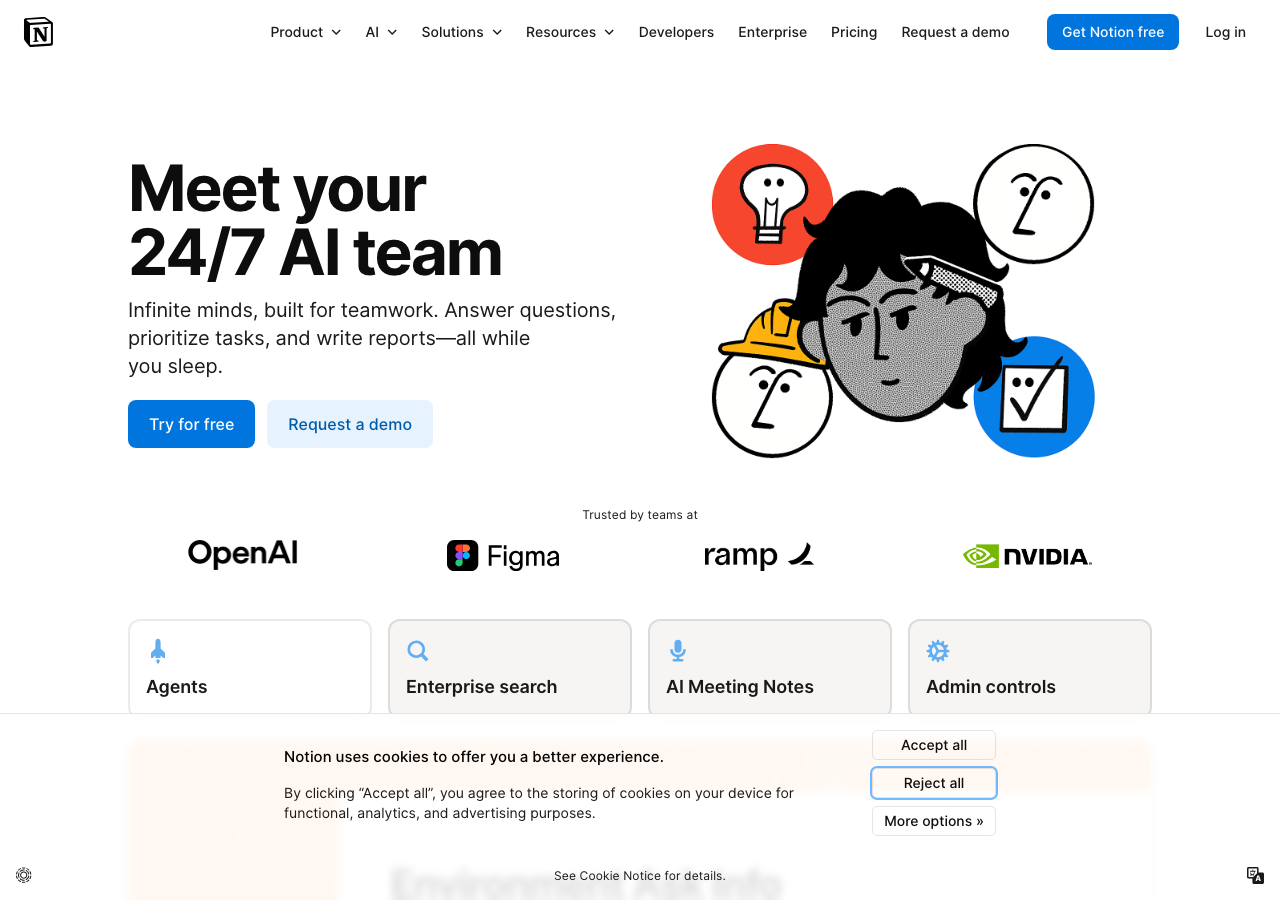
Notion belongs in the workspace category: essays emerge from structured notes, reading logs, and assignment trackers rather than a single ‘write my paper’ button. Notion AI can summarize PDFs, translate fragments, adjust tone, or draft from outlines you built during the semester — a workflow that mirrors how writing centers teach research papers when AI policies allow assisted drafting from your own material.
Essay fit 7.8 reflects that strength-plus-gap combo. Organization and incremental drafting support integrity-friendly process documentation; raw generative quality on cold prompts trails specialized essay generators. Students who neglect Notion’s database features and treat it like a cheaper ChatGPT miss the point — and often produce generic output anyway.
Notion’s student adoption story is organizational first. Course dashboards, weekly reading pages, and linked assignment databases create a paper trail professors appreciate when discussions turn to how a draft evolved. Notion AI sits inside that environment — highlight lecture bullets, ask for a prose expansion, or summarize a scanned article — rather than replacing the environment entirely. Rank #3 recognizes that for many undergraduates, the notes-to-draft pipeline matters as much as frontier model benchmarks.
The $10 AI supplement (on top of free or Plus workspace tiers) positions Notion as budget-friendly relative to $20 chat subscriptions. Capabilities vary by plan and region; confirm what your student account includes before assuming unlimited AI actions. Summarization and Q&A over embedded pages work best when source text is actually pasted or uploaded — Notion cannot magically access paywalled journals it was never fed.
Compared with Grammarly, Notion AI is weaker on sentence-level grammar precision but stronger on project structure and collaborative group workspaces. Compared with Jotbot, it lacks dedicated source finder flows but wins when your sources already live in the same workspace from weeks of reading notes. Compared with Google Docs alone, Notion adds databases and templates at the cost of export friction to LMS submission formats.
Essay fit 7.8 also accounts for export and formatting pain: APA headers, page numbers, and hanging indents still require cleanup in Word or Docs before submission. Notion is a thinking and drafting hub, not a print-ready manuscript system — plan thirty minutes of formatting per major paper.
Notes-to-draft workflows
Build a page per assignment with linked subpages for sources, each containing your paraphrases and quotes — not AI summaries alone. After class, add messy bullet takeaways manually; use Notion AI only to clarify wording or merge duplicate bullets, not to invent claims you never read. When ready to draft, ask AI to ‘expand section two bullets into two paragraphs using only this page’s notes’ — constraining input reduces hallucination.
For literature reviews, use a database with columns for author, method, finding, and your critique. Sort and filter before any generative pass so the model sees structured evidence rather than a wall of text. Generate transition sentences between your own critique cells, then delete any sentence that introduces a study not in your database.
Group projects benefit from shared workspaces with named contributors and dated comments — useful if integrity questions arise about who wrote which section. Avoid one person running ‘write entire essay’ on a shared page while others watch; that pattern fails both learning and policy tests.
When moving to submission, export to PDF or paste sections into Google Docs for a Grammarly pass and Turnitin pre-check if your course offers one. Keep the Notion page history as a process artifact — timestamps on note pages support appeals better than a single exported file with no context.
Turnitin, detectors, and campus policy
Notion AI expansions are still generative text under most 2026 university policies — even when sourced from your notes. The distinction that sometimes saves students in meetings is demonstrable human research preceding AI prose. Versioned note pages plus gradual expansion read differently from a ten-page paste appearing overnight in Turnitin.
Detectors may score Notion-expanded paragraphs similarly to other AI tools — polish level depends on how much you edited afterward. ESL students using AI to clarify note fragments should keep original bullets alongside polished paragraphs to show iterative language support, not outsourced authorship.
Uploading copyrighted PDFs into Notion for AI summarization raises library licensing questions separate from Turnitin — your institution’s ebook terms may restrict cloud processing. Use legally obtained files and prefer manual notes when policies are unclear.
If AI use is banned, Notion remains valuable as a non-AI organizer; disable or ignore AI buttons entirely. Partial compliance — AI for notes but not drafts — fails when syllabi define ‘writing assistance’ broadly.
Pricing and tiers
Notion’s free tier supports substantial note-taking; AI features require paid upgrades that landed near $10 per month for many users in 2026 — verify current pricing in your region because Notion adjusts bundles. Student Plus discounts through .edu verification can reduce workspace cost before AI add-ons.
Total cost stays below Jotbot, Jasper, and ChatGPT Plus if you only need light generative help plus organization. Hidden cost is time learning templates and databases — front-loaded setup pays off across semesters, not one essay.
Compare with Obsidian or OneNote plus a separate $20 chat subscription if you prefer offline notes; Notion wins on all-in-one UX at the price of vendor lock-in. Compare with Grammarly Premium if your bottleneck is proofreading, not structure.
Annual workspace billing saves money for multi-year programs; cancel AI add-ons separately if you stop using generative features but keep notes.
Bottom line
Notion at rank #3 fits students who think in systems — essay fit 7.8 rises when you already keep readings in Notion and use AI to amplify your notes, not replace them.
It is the wrong primary tool if you need one-click full essays with citations; pair with manual research or a generator only where policy allows.
Student reviews below mix love for dashboards with frustration over export quirks — read them alongside your major’s formatting demands.
Pros
- notes, tasks, and AI in one workspace — strong process documentation for integrity conversations.
- essay fit 7.8 undervalues organization; students who build reading databases draft faster with fewer citation surprises.
- roughly $10 AI pricing undercuts dedicated essay generators for light expansion tasks.
Cons
- generative quality on cold prompts trails Jotbot-class essay tools.
- APA/MLA export formatting requires extra steps outside Notion.
- AI actions consume plan limits — heavy finals week use may hit caps.
Pricing
- Listed from $10/mo for Notion AI — annual billing and student promos change the total.
- Category: Workspace + AI. Features and pricing change; verify before you subscribe.
What this tool does
Workspace + AI — Workspace notes → drafts with built-in AI. Feature sets and export limits change; confirm on notion.so before subscribing. For raw chat drafting, see our AI engines list instead.
Compare alternatives
Who it's for
- notes, tasks, and AI in one workspace — strong process documentation for integrity conversations.
- essay fit 7.8 undervalues organization; students who build reading databases draft faster with fewer citation surprises.
- roughly $10 AI pricing undercuts dedicated essay generators for light expansion tasks.
Who should compare alternatives
- generative quality on cold prompts trails Jotbot-class essay tools.
- APA/MLA export formatting requires extra steps outside Notion.
- AI actions consume plan limits — heavy finals week use may hit caps.
Student experiences
Ratings from students who used Notion AI on real assignments — includes critical reviews.
Loading student reviews…
1,130 words · Updated 2026