
Independent review · 2026
LM Studio Review
LM Studio is the most polished desktop application for running large language models entirely on your own hardware — no subscription, no cloud inference, no data leaving your machine. The 7.0 essay fit score reflects the quality ceiling imposed by local hardware: on a modern MacBook Pro with Apple Silicon or a mid-range GPU desktop, models like Llama 3.3 70B, Qwen 2.5 72B, and Mistral Large produce genuinely useful academic writing assistance at a quality level that competes with paid subscription services for routine coursework. The trade-off is setup cost, hardware requirements, and inference speed — local models run slower than cloud inference on consumer hardware, and larger models require significant RAM. Students who value total privacy for academic work, who want to avoid subscription costs across a multi-year degree, or who are studying machine learning and benefit from hands-on model experimentation should take LM Studio seriously. Students who want the fastest, most frictionless writing assistance and have no particular privacy concern should use a cloud service instead.
lmstudio.ai · #47 in TOP 50
Open-weight chat
Local Llama · Qwen · Mistral
Our verdict
LM Studio is the most polished desktop application for running large language models entirely on your own hardware — no subscription, no cloud inference, no data leaving your machine. The 7.0 essay fit score reflects the quality ceiling imposed by local hardware: on a modern MacBook Pro with Apple Silicon or a mid-range GPU desktop, models like Llama 3.3 70B, Qwen 2.5 72B, and Mistral Large produce genuinely useful academic writing assistance at a quality level that competes with paid subscription services for routine coursework. The trade-off is setup cost, hardware requirements, and inference speed — local models run slower than cloud inference on consumer hardware, and larger models require significant RAM. Students who value total privacy for academic work, who want to avoid subscription costs across a multi-year degree, or who are studying machine learning and benefit from hands-on model experimentation should take LM Studio seriously. Students who want the fastest, most frictionless writing assistance and have no particular privacy concern should use a cloud service instead.
Overview
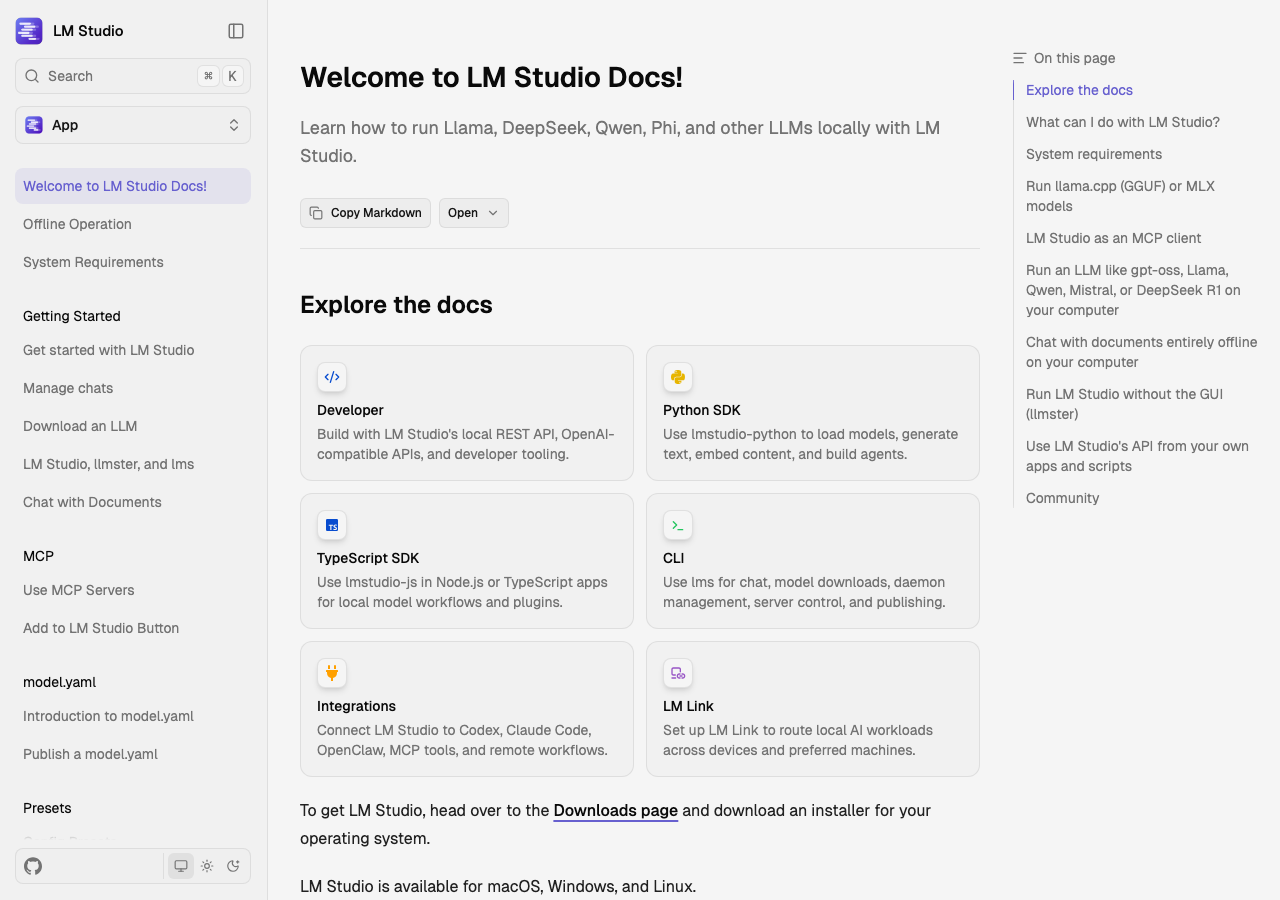
LM Studio emerged from the open-weight model ecosystem as an accessible graphical interface for downloading, managing, and running GGUF-format quantized models locally. Before LM Studio, running a large language model on a personal computer required navigating command-line tools, managing Python environment dependencies, and understanding quantization formats — a barrier that excluded most non-technical users. LM Studio compressed that setup into a graphical download-and-run experience that any student comfortable with software installation can manage.
The privacy proposition is absolute in a way that cloud services cannot match by design. When you run Llama 3.3 70B in LM Studio on your laptop, your prompts are processed entirely by your machine's CPU and GPU. No data is transmitted to any server. No company receives your research questions, your personal statement drafts, your confidential thesis materials, or your preliminary analysis of sensitive interview data. This is not a privacy policy promise — it is a physical architecture fact. The model runs on hardware you control, and the processing happens inside a closed system you can audit by monitoring network traffic if you choose.
LM Studio's interface has matured significantly since its 2023 launch. The current version provides a model browser connected to Hugging Face's repository of GGUF-formatted models, allowing users to search, filter by size and quantization type, and download models directly within the application. A chat interface allows immediate testing of downloaded models without additional configuration. An API server mode makes LM Studio compatible with applications that expect an OpenAI-compatible API endpoint — editors, writing tools, and research applications that support the OpenAI API standard can route requests to a locally running LM Studio instance instead of to the cloud.
Model compatibility spans the full landscape of available open-weight models. Llama 3.3 70B Instruct, Meta's latest large open model, is available through LM Studio and delivers essay-writing quality that compares favorably with mid-tier cloud services on structured argumentation tasks. Qwen 2.5 72B, particularly strong on technical and scientific content, runs well on Apple Silicon with adequate RAM. Mistral's models, including the Mixtral 8x7B mixture-of-experts architecture, offer excellent performance-per-gigabyte ratios for students with more limited hardware. DeepSeek R1 and V3 are available in quantized form, though the full-precision 7B and larger variants require substantial VRAM.
Hardware requirements are the central limitation of local inference for students. LM Studio's model browser displays RAM requirements for each model variant — a critical feature that prevents users from attempting to load a 70B parameter model on a machine with insufficient memory. Roughly speaking: 8GB RAM runs 7B parameter models comfortably; 16GB RAM handles 13B models and 8-bit quantized 30B models with some slowness; 32GB RAM (available on higher-end MacBook Pros with unified memory) runs 70B parameter models in 4-bit quantization at practical speeds. Students with 8GB RAM MacBooks can still use LM Studio effectively with 7B parameter models, but should compare the output quality honestly against free cloud alternatives before assuming local inference delivers equal results.
Inference speed varies dramatically by hardware. Apple Silicon's unified memory architecture gives MacBooks a meaningful advantage over typical student laptops — a MacBook Pro M3 Pro with 36GB unified memory runs Llama 3.3 70B at approximately 15-25 tokens per second, which is readable but slower than cloud inference. On Windows laptops with 8GB NVIDIA GPUs, mid-size models run at comparable speeds but larger models exceed VRAM and fall back to CPU inference, which is much slower. Before investing significant time in LM Studio setup, benchmark inference speed on your specific hardware with a model in the right size range.
Privacy use cases for students
The academic privacy argument for local LLMs is strongest in several specific scenarios, and students should evaluate whether their situation falls into these cases rather than assuming local inference is universally necessary. The scenarios where LM Studio's absolute privacy is meaningfully valuable: thesis or dissertation research involving confidential data, proprietary methodologies, or pre-publication findings that the advisor or institution considers sensitive; professional school coursework involving client cases, patient information, or legally privileged materials even in educational framing; personal statement and graduate school application drafting where the content is highly personal and the student reasonably prefers not to have it processed by a third party's servers; and journalism or policy research involving confidential sources or politically sensitive subjects.
For standard undergraduate coursework — essay prompts about publicly available texts, analysis of published historical events, standard research papers drawing on library sources — the privacy argument for local inference is weaker. The prompts contain no sensitive information, and the practical cost of local inference (slower speed, setup friction, hardware limits) exceeds the marginal privacy benefit over reputable cloud services with reasonable data policies.
A nuanced privacy consideration specific to academic integrity: some students concerned about academic integrity offices requesting AI company records of prompt histories have inquired whether cloud AI companies could disclose prompt histories in academic misconduct investigations. The answer varies by company, jurisdiction, and legal request type. If this concern is relevant to your situation — which is a rare edge case, not a routine worry — LM Studio's architecture means there is no company that holds your prompt history to disclose. This is not advice to use local inference to evade legitimate academic integrity processes; it is an accurate description of the architectural privacy property.
FERPA-adjacent privacy concerns in education settings sometimes lead instructors or institutions to caution students against uploading course materials to commercial AI services. Some institutions have published guidance restricting students from uploading course content to commercial AI platforms on the grounds that it may constitute unauthorized disclosure of educational records or intellectual property. LM Studio resolves this concern for materials processed locally — uploading a PDF of your lecture notes to a locally running model does not transmit that content to any commercial entity. Students should still verify their institution's guidance on AI use in coursework, but local inference removes the data-transmission objection.
Model selection and practical performance
Choosing the right model for your hardware is the most important practical decision in LM Studio setup. The rule of thumb is to select the largest model your RAM can load at a 4-bit quantization level (Q4_K_M is the most commonly recommended balance of quality and compression) and still generate text at a usable speed. Running a model that exceeds your RAM causes pages to disk, which reduces inference speed from 10-20 tokens per second to 1-3 tokens per second — painfully slow for interactive essay drafting.
Llama 3.3 70B in Q4_K_M quantization requires approximately 40GB of RAM. This is within reach of the highest MacBook Pro unified memory configurations (64GB) but far exceeds standard student laptop specs. On a 16GB RAM machine, Llama 3.2 11B or Mistral 7B Instruct in Q4 quantization are the appropriate targets. On a 32GB unified memory Mac, Qwen 2.5 32B or LLaMA 3.1 30B class models run at practical speeds. The LM Studio model browser's size and RAM indicators make these choices explicit — choose a model that fits comfortably rather than pushing to the limit.
For essay writing specifically, instruct-tuned model variants are required. Base model variants without instruction tuning do not follow prompts in a predictable way — they continue text rather than answering questions or following directives. All major model families have instruct-tuned variants: Llama 3.3 70B Instruct, Qwen 2.5 72B Instruct, Mistral 7B Instruct, and so forth. Always select the instruct variant in LM Studio's model browser.
Model updates in the open-weight ecosystem happen frequently, and LM Studio's model browser reflects this. A model that is the clear best option when you first set up LM Studio may be superseded within months by a newer release — Meta's Llama releases, Qwen's rapid update cadence, and Mistral's regular model improvements mean the landscape shifts quarterly. Checking for model updates at the start of each academic term is worthwhile for students relying on local inference as a primary writing tool.
Writing workflow in LM Studio
LM Studio's chat interface is functional but less polished than the consumer products from OpenAI and Anthropic. There is no persistent custom instructions feature in the default chat view — each conversation starts fresh with the model's default system prompt unless you configure a custom system prompt in the model's settings for the session. Setting a custom system prompt at model load time is the equivalent of ChatGPT's custom instructions: specify your academic level, preferred citation style, discipline conventions, and essay length context once, and it persists for the duration of that model's active session.
File upload is not natively supported in LM Studio's chat interface in most current versions — you need to manually paste text content from documents into the conversation. For students who need to work with lecture PDFs, journal articles, and reading assignments, this is a meaningful friction point compared to ChatGPT's file upload or Claude's document analysis. Some third-party applications that connect to LM Studio's API server — Open WebUI is the most popular free option — add file upload support and other UX improvements over LM Studio's native interface.
Open WebUI is worth the additional setup if you plan to use LM Studio regularly for academic writing. It provides a browser-based interface that connects to LM Studio's local API server and adds persistent conversation history, multiple chat sessions, custom system prompt management, and file upload support. The combination of LM Studio's model management with Open WebUI's interface gives you a locally running equivalent of a cloud chat product with the full privacy guarantee of local inference.
Longer documents take more time to generate at local inference speeds. A 2,000-word essay section may take three to five minutes to generate at 15-20 tokens per second — workable if you are doing something else while the model generates, problematic if you are waiting at the screen. Developing a batch drafting habit helps: queue the prompt, start the generation, review source materials or outline other sections while the model runs, and return to review the output when it completes. This patience requirement is the primary UX concession of local inference compared to cloud services.
Bottom line
LM Studio earns its position in the AI engines catalog as the best local inference option for privacy-conscious students with adequate hardware. The 7.0 essay fit score is honest — it reflects the quality achievable on consumer hardware running quantized open-weight models, which is genuinely good for routine coursework and meaningfully below frontier cloud services for complex analytical writing.
Students in professional programs handling confidential materials, researchers working on pre-publication findings, and anyone with principled objections to commercial cloud AI data processing have a compelling case for LM Studio as their primary writing assistant. Students who want maximum writing quality with minimum setup should use a cloud service instead.
If you decide to set up LM Studio, pair it with Open WebUI for a dramatically better interface, select the largest instruct-tuned model your RAM handles comfortably, and budget a realistic hardware upgrade if your current machine has less than 16GB RAM. The privacy and cost advantages are real — the hardware requirements are not optional.
Pros
- Absolute local privacy — no data transmitted to any server; genuinely appropriate for sensitive dissertation, professional, and personal content.
- No subscription cost — hardware is the only investment; after setup, usage is free indefinitely.
- Access to a broad range of open-weight models — Llama, Qwen, Mistral, DeepSeek variants — with flexible model switching.
- API server mode connects LM Studio to third-party tools like Open WebUI, editors, and research applications.
Cons
- Hardware requirements are meaningful — 16GB RAM minimum for usable quality models; best experience requires 32GB+ or Apple Silicon.
- Inference speed is slower than cloud services — 10-25 tokens per second versus near-instant cloud responses.
- Setup friction — model download, RAM assessment, system prompt configuration — compared to cloud services' immediate zero-setup access.
- No file upload natively — manual text pasting required unless using Open WebUI or similar front-end.
Pricing
- LM Studio has a free tier or free product access — rate limits and model caps apply; paid upgrades may exist on lmstudio.ai.
- Flagship stack: Local Llama · Qwen · Mistral. Features and model names change; verify before you subscribe.
Models & access
Local Llama · Qwen · Mistral. Availability, rate limits, and regional restrictions change — confirm on lmstudio.ai before subscribing.
Compare alternatives
Who it's for
- Absolute local privacy — no data transmitted to any server; genuinely appropriate for sensitive dissertation, professional, and personal content.
- No subscription cost — hardware is the only investment; after setup, usage is free indefinitely.
- Access to a broad range of open-weight models — Llama, Qwen, Mistral, DeepSeek variants — with flexible model switching.
- API server mode connects LM Studio to third-party tools like Open WebUI, editors, and research applications.
Who should compare alternatives
- Hardware requirements are meaningful — 16GB RAM minimum for usable quality models; best experience requires 32GB+ or Apple Silicon.
- Inference speed is slower than cloud services — 10-25 tokens per second versus near-instant cloud responses.
- Setup friction — model download, RAM assessment, system prompt configuration — compared to cloud services' immediate zero-setup access.
- No file upload natively — manual text pasting required unless using Open WebUI or similar front-end.
Student experiences
Ratings from students who used LM Studio on real assignments — includes critical reviews.
Loading student reviews…
2,140 words · Updated 2026