
Independent review · 2026
Copilot Free Review
Microsoft Copilot Free earns 7.2 for essay fit — the lowest essay score among the major free chatbots in our ranking, but not because the underlying model is poor; the GPT-class architecture behind it is capable, and the score reflects instead the fractured user experience of accessing an AI assistant through multiple Microsoft surfaces (Edge, Windows, Bing, the web), each with slightly different capabilities, interface consistency issues, and a tendency to inject search results and ads into conversations in ways that interrupt sustained essay workflows.
microsoft.com · #20 in TOP 50
Frontier subscription
Copilot base
Our verdict
Microsoft Copilot Free earns 7.2 for essay fit — the lowest essay score among the major free chatbots in our ranking, but not because the underlying model is poor; the GPT-class architecture behind it is capable, and the score reflects instead the fractured user experience of accessing an AI assistant through multiple Microsoft surfaces (Edge, Windows, Bing, the web), each with slightly different capabilities, interface consistency issues, and a tendency to inject search results and ads into conversations in ways that interrupt sustained essay workflows.
Overview
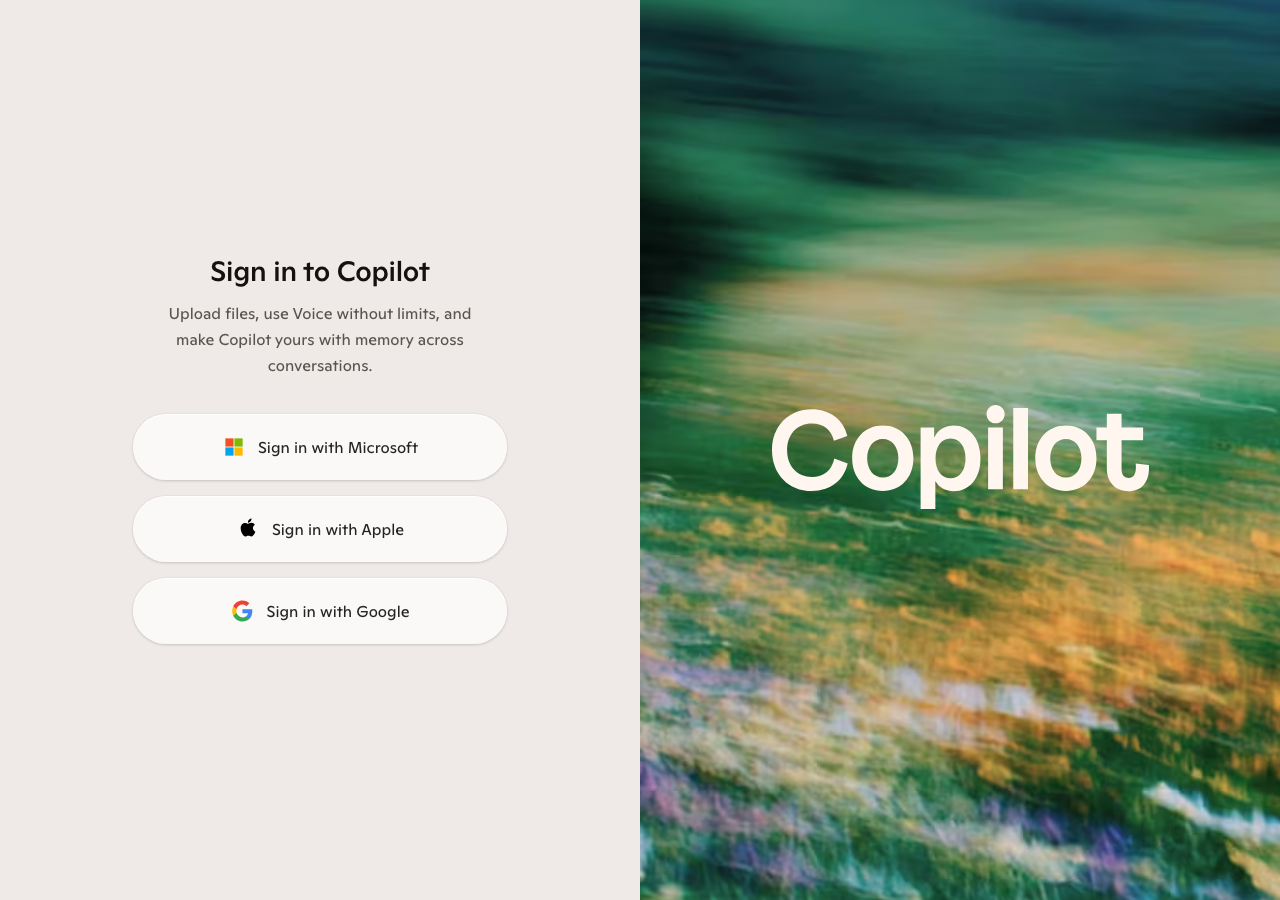
Microsoft Copilot exists in a confusing distribution of surfaces — Edge browser sidebar, Bing.com, copilot.microsoft.com, the Windows taskbar, Office applications, and a mobile app — and the experience is not uniform across them. Some surfaces allow longer context windows, some include image generation, some are tightly integrated with Microsoft 365, and some appear to route queries differently. This fragmentation is the primary reason Copilot Free sits at the bottom of the free-tier chatbot rankings despite running on a model that is objectively comparable to the mini-tier GPT models used by ChatGPT Free.
The standalone copilot.microsoft.com interface is the most reliable surface for essay work and is the one this review focuses on. It provides a clean chat interface, conversation history within sessions, and web-grounded responses with Bing citations that superficially resemble Perplexity's search integration. The differences from Perplexity are in depth and consistency: Bing-grounded Copilot responses cite sources more inconsistently and with less analytical synthesis than Perplexity, and the search integration sometimes produces responses that read more like a web search summary than an analytical essay scaffold.
For students who are deeply inside the Microsoft 365 ecosystem — using Word for essays, OneDrive for file storage, Teams for course collaboration — Copilot's integrations with those applications may add practical workflow value that the standalone chat score does not capture. Copilot for Word (available with Microsoft 365 subscriptions) provides in-document writing assistance that is better than what the standalone free chat interface suggests. This review covers the standalone free chatbot, not the integrated Word experience, which requires a paid Microsoft 365 account.
The model behind Copilot Free is a GPT-class system — Microsoft's Bing integration and its OpenAI partnership mean the free tier gets access to a model comparable to GPT-4o mini or a lightweight GPT-4 variant. The exact model specification varies by surface and is not always disclosed. What students experience is response quality that is sometimes better than expected (particularly on factual, web-grounded queries) and sometimes worse than expected (on analytical essay tasks requiring sustained instruction adherence).
Web search integration is always-on in many Copilot configurations, which means every response potentially includes Bing search results. For factual questions this is helpful. For analytical essay prompts — draft a thesis, analyze this argument, rewrite this paragraph — the search integration can introduce unnecessary web context that clutters the output with links to articles when what you wanted was a prose response. Learning to phrase prompts in ways that signal 'I need prose, not a web summary' — by framing tasks as writing instructions rather than questions — reduces this issue.
The essay fit score of 7.2 accounts for the model quality (competitive), the interface consistency issues (a real friction), the search integration distraction on analytical tasks (measurable), and the lack of daily-limit generosity relative to competitors like Meta AI and Gemini Free. On pure model capability metrics, Copilot Free probably deserves closer to 7.5; the 7.2 reflects the full student experience including interface overhead.
The no-login access mode — using Copilot from Bing without an account — provides even more limited capability, with shorter context windows and stronger session limits. Signing into a Microsoft account (free) unlocks longer conversation history and slightly better session continuity. Students using Copilot should create or use an existing Microsoft account rather than relying on anonymous access for essay work.
Microsoft 365 integration context
The integration story for Copilot is genuinely compelling for students who pay for Microsoft 365 or have it through their university. Copilot for Word provides in-document writing assistance, draft generation, and editing suggestions that are meaningfully better integrated than copying text between a chat window and a word processor. Students at institutions that provide Microsoft 365 Student licenses should investigate whether Copilot is included, as the integrated Word experience is substantially better than the standalone chat.
University Microsoft 365 deployments sometimes include Copilot access at the institutional level, with better privacy protections under enterprise agreements than consumer accounts provide. If your institution provides Microsoft 365 for students, check whether Copilot is included in the academic license and what data handling terms apply. The institutional version may offer better privacy guarantees and potentially better model access than the public free tier.
OneDrive integration means Copilot can reference documents stored in your Microsoft cloud, which is useful if your research notes and draft documents live there. Asking Copilot to help revise a document already in OneDrive, or to reference information from a file you have stored, works through the Microsoft ecosystem in ways that have no equivalent in the standalone Copilot free chat.
For students who are specifically Microsoft-ecosystem-based — Microsoft Surface laptop, Windows primary OS, Office applications throughout the academic workflow — Copilot's integrations make it the most frictionless AI assistant for that environment. The free tier is a gateway to understanding those integrations; the paid Microsoft 365 subscription is where the ecosystem value fully materializes.
Bing-grounded search and citation quality
Copilot's Bing search integration provides source citations in a similar format to Perplexity — numbered references linked to web pages. The quality comparison is not favorable: Perplexity's search integration is deeper, more consistently cited, and produces more coherent analytical synthesis across sources. Bing-grounded Copilot responses often read as a lighter-touch synthesis, with fewer sources per claim and more frequent mixing of high-quality and low-quality web sources.
For contemporary current events — policy changes, recent research announcements, news-driven essay topics — the Bing integration provides useful real-time grounding that pure language models without search cannot match. Comparing Copilot Free to ChatGPT Free on a question about recent events: Copilot will generally provide more current information with citations, while ChatGPT Free will acknowledge its training data cutoff. For time-sensitive topics, Copilot's search grounding is a practical advantage over non-grounded free alternatives.
The inconsistency of citation quality means that Copilot's web-grounded responses require the same verification discipline as Perplexity citations — click the link, confirm the source actually supports the claim. The lower synthesis quality compared to Perplexity does not reduce the verification requirement; it increases it, because less careful synthesis produces more approximate attributions.
Interface fragmentation and workflow friction
The multiple Copilot surfaces create a confusing experience for students trying to establish a consistent workflow. The Edge browser sidebar, copilot.microsoft.com, and the Bing integration each have slightly different capabilities, context lengths, and conversational behaviors. Students who start an essay conversation in the Edge sidebar may find the context does not transfer to copilot.microsoft.com, or that the interface in one surface suggests capabilities that another does not support.
Conversation style modes — Creative, Balanced, and Precise — affect how the underlying model responds. For academic essay work, Precise mode produces more factual, less embellished prose that is generally more appropriate than the Creative mode's tendency toward ornate language. Many students discover this after experiencing Creative mode's over-the-top writing style on the first academic prompt; switching to Precise mode substantially improves analytical essay output. The default mode varies by surface.
Session context management on Copilot Free is shorter than competitors. Very long essay conversations — multi-hour sessions with many rounds of drafting and editing — may lose early context more readily than Claude or ChatGPT conversations of equivalent length. For extended essay work, refreshing context by pasting your current draft and thesis statement every ten to fifteen exchanges maintains coherence more reliably than assuming earlier context is retained.
The advertising and promotional content that Bing sometimes injects into Copilot responses is a specific annoyance for students doing research work. Responses about tools, products, or services sometimes include Microsoft or partner product recommendations that are irrelevant to academic essay needs. Learning to recognize and ignore these injections, or to phrase prompts in ways that minimize the trigger for commercial responses, is a minor but real adaptation required for using Copilot effectively.
Essay writing quality in practice
On straightforward essay tasks — write an introduction paragraph for an essay arguing X — Copilot Free performs adequately. The prose is grammatically clean, academically formatted, and gets the basic task done. The limitations appear on more demanding instructions. Ask Copilot to produce an introduction that does four specific things — establishes historical context, states a specific thesis, acknowledges a counterargument, and previews the essay structure — and it executes two or three of those instructions consistently while losing track of the others. This instruction drift on complex prompts is more pronounced than on Claude Free and similar to ChatGPT Free.
Tone calibration is variable. Copilot sometimes produces prose in an earnest, comprehensive style that packs too much information into each paragraph — a structure that reads like a well-meaning informational article rather than a focused analytical essay. Explicitly asking for a focused, argumentative academic style — and being prepared to edit the first draft for structural density — produces better results than accepting the first output.
For STEM coursework, Copilot performs above the essay-fit average. Questions about technical concepts, calculation explanations, and scientific process descriptions produce accurate, clearly structured responses. The model's access to Bing search means recent technical developments are accessible without the training cutoff constraint. STEM students doing background research for lab reports or technical writing assignments may find Copilot more useful than the 7.2 essay score implies for general academic work.
Bottom line
Copilot Free's 7.2 essay fit score reflects a capable but inconsistently delivered free tool. The underlying model is competitive with other free-tier options; the interface fragmentation, advertising injection, and search integration pattern create friction that measurably reduces effective academic writing performance compared to the cleaner experiences at Claude Free and ChatGPT Free.
The student profile that benefits most from Copilot Free: deeply Microsoft-ecosystem-dependent students who use Word and OneDrive, students at institutions with Microsoft 365 licenses that include Copilot, and students whose coursework involves contemporary, news-driven topics where Bing's real-time web grounding is a practical advantage. For general essay writing assistance without Microsoft ecosystem dependency, Claude Free or ChatGPT Free provide better experiences at the same price.
If you are evaluating Copilot Free, spend ten minutes with the standalone copilot.microsoft.com interface in Precise mode on a specific academic task before committing to it as your primary tool. The gap between Copilot in Balanced mode versus Precise mode is noticeable, and many students give up on the tool without discovering the mode that makes it substantially more useful for academic work.
Pricing
- Copilot Free has a free tier or free product access — rate limits and model caps apply; paid upgrades may exist on microsoft.com.
- Flagship stack: Copilot base. Features and model names change; verify before you subscribe.
Models & access
Copilot base. Availability, rate limits, and regional restrictions change — confirm on microsoft.com before subscribing.
Compare alternatives
Who it's for
- Set conversation style to Precise mode for academic essay work — the default Balanced mode produces over-embellished prose that reads poorly in analytical essays
- Use copilot.microsoft.com in a signed-in Microsoft account rather than Bing or Edge sidebar for the most consistent essay-work experience across the fragmented Copilot surfaces
- Refresh context every ten to fifteen exchanges in long sessions by pasting your current thesis and outline — Copilot's session memory on extended conversations is shorter than competitors
Student experiences
Ratings from students who used Copilot Free on real assignments — includes critical reviews.
Loading student reviews…
1,781 words · Updated 2026