
Independent review · 2026
Brave Leo Review
Brave Leo is an AI assistant built directly into the Brave browser — accessible via a sidebar, keyboard shortcut, or right-click context menu without leaving the page you are reading. Essay fit 6.5 reflects what it actually is: a convenient, privacy-respecting, browser-integrated research companion powered by Llama and Mixtral variants, strong at page summarization and quick clarifications while researching, weaker at the sustained analytical drafting that a full essay demands. The integration story is real and useful; the capability ceiling is real and honest.
brave.com · #27 in TOP 50
Search + citations
Llama · Mixtral
Our verdict
Brave Leo is an AI assistant built directly into the Brave browser — accessible via a sidebar, keyboard shortcut, or right-click context menu without leaving the page you are reading. Essay fit 6.5 reflects what it actually is: a convenient, privacy-respecting, browser-integrated research companion powered by Llama and Mixtral variants, strong at page summarization and quick clarifications while researching, weaker at the sustained analytical drafting that a full essay demands. The integration story is real and useful; the capability ceiling is real and honest.
Overview
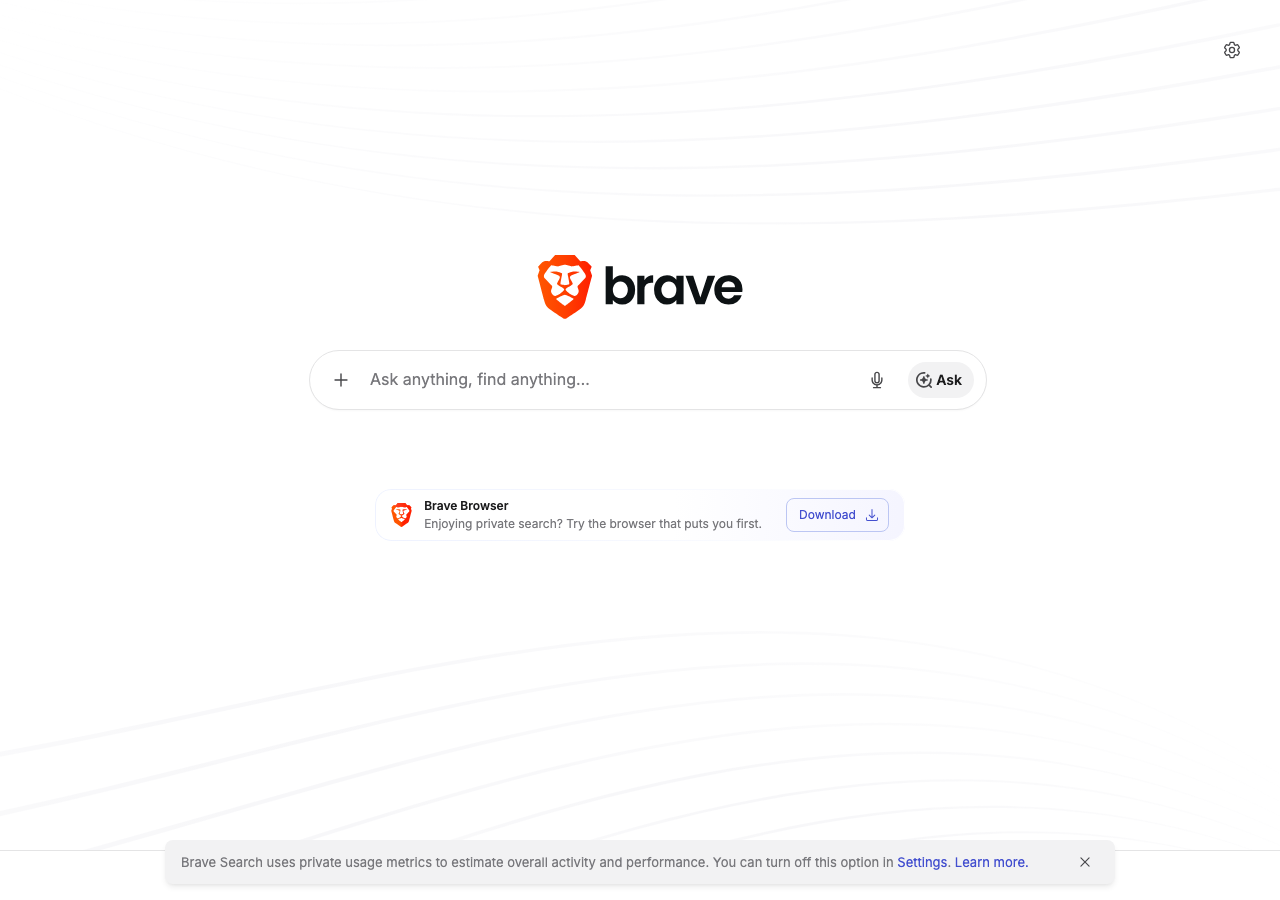
Brave is a Chromium-based browser that made its name on aggressive ad-blocking and privacy-first defaults. Leo, launched in 2023 and progressively upgraded through 2025, is the logical extension of that philosophy into AI: an assistant that processes queries locally when possible, never logs conversations by default, runs on Brave's own infrastructure for non-local requests, and does not tie your chat history to an advertising profile. The free tier runs Llama 3 and Mixtral instruct variants; Leo Premium (around $15 per month) adds Claude Sonnet and more capable model options.
The browser-native integration is both Leo's defining feature and its clearest differentiator from standalone AI chat products. When you are reading a Wikipedia article, a news piece, or an academic abstract, you can ask Leo to summarize it, ask a follow-up question about it, or pull a relevant sentence from it — all without copying text, switching tabs, or losing your place. For research workflows where you are reading many sources in sequence, this reduces friction in a way that standalone chat windows do not replicate. For pure drafting sessions where you have already gathered your sources and are writing from notes, the browser integration adds little and the capability ceiling becomes more apparent.
Browser-native integration for academic research
The strongest argument for Leo in a student's toolkit is the reading-alongside workflow. When you open a journal abstract in your browser, Leo can summarize the methodology section, explain a statistics term you are unfamiliar with, translate a passage from French, or ask the paper to define its key terms — all within a sidebar that does not require you to switch context, and without copying any text to an external clipboard that might be logged elsewhere. For a student working through fifteen sources in a literature review session, the accumulated time saving is genuine.
Page-aware conversation is Leo's technical differentiator: when you have a page open, Leo can read its content directly rather than requiring you to paste excerpts. This means you can ask 'what is the main critique this author makes of rational choice theory?' about the article you are reading, and Leo will pull from the actual page rather than from training data memories of articles with similar titles. The quality of page-aware responses depends on whether the page content is accessible (some PDFs and paywalled content are not), but for open-access web articles, press releases, Wikipedia, and student-facing resource pages, it works reliably.
The right-click context menu integration deserves specific mention: selecting a difficult phrase, a statistical figure, or an unfamiliar citation format and asking Leo to explain it without opening any separate window is a small but meaningful usability win. Students who struggled with this kind of micro-research interrupting their reading flow — copy, switch tab, paste, read, switch back — will find Leo's integration genuinely reduces cognitive overhead.
For essay outlines and drafting within the browser context, Leo performs comparably to other mid-tier models — Llama 3 70B quality on free, Claude Sonnet on Leo Premium. The browser integration does not give the model any capability the underlying model does not have; it gives you convenient access to that capability while you are in a reading workflow. When you close your sources and open a blank document in a different tab, Leo's integration advantage largely disappears, and you are left with a capable but not exceptional AI assistant that is running in a sidebar rather than a dedicated interface.
Privacy architecture: how Leo compares with DuckDuckGo AI Chat
Leo shares DuckDuckGo AI Chat's commitment to privacy-first defaults, but the technical implementation differs in ways that matter. On the free tier, Leo routes requests through Brave's own infrastructure acting as an anonymizing proxy, with policies stating that conversations are not stored with user identifiers and are not used for advertising targeting. Unlike DuckDuckGo's approach of not requiring an account at all, Brave allows but does not require a Brave account, and Leo works without one.
Leo Premium changes the privacy equation somewhat: premium tier requests may route through Anthropic's infrastructure (for Claude Sonnet access), which subjects them to Anthropic's data practices rather than solely Brave's. Brave describes contractual commitments from providers about training data use, similar to DuckDuckGo's approach, but the details are less publicly documented than DuckDuckGo's published privacy FAQ. Students using Leo Premium for sensitive content should read Brave's current privacy documentation rather than assuming the free-tier privacy protections extend unchanged.
The browser context introduces a privacy consideration that standalone AI chat does not have: Leo can read the content of pages you are viewing, which means if you are reading a sensitive document — a medical case study for a health policy class, a legal document for a pre-law seminar, confidential research materials from a lab portal — Leo's page-awareness means that content is potentially processed by the AI infrastructure. For most academic reading, this is a non-issue. For students working with genuinely sensitive or regulated materials, the implication is worth considering.
Compared with Chrome's built-in Gemini integration, Leo provides stronger privacy defaults: Chrome's AI features are explicitly tied to your Google account and may contribute to Google's data ecosystem. For students using Brave specifically because they do not want a Google data profile, staying within Brave's ecosystem for AI assistance is a coherent choice that does not require trusting a second major data company.
Free-tier model quality for essay tasks
Leo's free tier runs Llama 3 variants and Mixtral 8x7B, providing mid-tier quality that handles most paragraph-level drafting tasks adequately. Essay fit 6.5 represents real evaluation against undergraduate writing tasks: thesis statement generation, outline creation, single-paragraph expansion from bullet points, and grammar review all work at a level that produces usable output. Complex analytical tasks — synthesizing multiple theoretical frameworks, navigating contested empirical claims, producing original interpretation of ambiguous evidence — show the model's limitations against frontier commercial alternatives.
For summarization tasks specifically — the core integration strength — Leo often outperforms its raw model capabilities because the model is working from actual page content rather than training memory. A Llama 3 70B model summarizing the abstract and introduction of an open-access paper it is directly reading will produce a more accurate summary than the same model producing a summary from memory of similar papers. This means the essay fit 6.5 understates Leo's usefulness for research-phase tasks while accurately describing its limitations for drafting-phase tasks.
Mixtral 8x7B, one of Leo's rotation models, is a mixture-of-experts architecture with unusually efficient performance relative to its size. For multilingual tasks, Mixtral performs better than Llama variants of similar parameter count, making Leo a reasonable choice for students writing assignments in French, Spanish, or Italian who are using Brave as their primary browser and do not want to pay for a separate multilingual drafting tool.
The quality gap between Leo Free and Leo Premium is meaningful for sustained essay drafting. Claude Sonnet, available on Premium, is one of the most capable mid-tier models for academic writing — better paragraph coherence, more accurate hedging on contested claims, more reliable citation awareness. Students who find Leo's free tier useful for research assistance and are considering whether Premium is worth the cost should evaluate it specifically on the analytical writing tasks that their coursework demands, not on summarization where free is already strong.
Integration with Brave Search and research workflows
Brave offers its own search engine — Brave Search — which the company runs on independent infrastructure without filtering through Google's or Bing's index. Leo and Brave Search are designed to work together: a Leo query can incorporate Brave Search results when web retrieval is enabled, producing search-augmented responses within the same browser context. The integration is less polished than Perplexity's search-AI product but more integrated into the browsing workflow than DuckDuckGo AI Chat's standalone chat page.
For academic research, the combination of Brave Search and Leo is a defensible zero-cost, privacy-respecting alternative to Perplexity Free. Brave Search has independent indexing, which means it sometimes surfaces different results from Google — particularly useful for finding alternative-viewpoint sources on politically contested topics where Google's dominant-source weighting may filter out minority scholarly positions. Ask Leo to summarize the Brave Search results on a contested question, then follow up with specific links to verify which sources are credible.
The practical workflow: open Brave Search, search your essay question, have Leo summarize the top results, identify the three or four most relevant links, open each, have Leo summarize each page, compile your source notes manually, and then begin drafting — either in Leo's sidebar or in a separate writing tool. This workflow keeps your research within Brave's privacy ecosystem at every step and produces the source notes necessary for manual citation verification.
One limitation of the integrated workflow is that Leo's context window does not span across multiple tabs. You cannot have Leo synthesize four open sources simultaneously in the way that NotebookLM can synthesize a set of uploaded PDFs. Each page is a separate Leo conversation context. Students who need cross-source synthesis will need to manually compile notes and feed them as a single prompt, rather than relying on the browser integration to do the synthesis automatically.
Who Brave Leo is for
Brave Leo makes the most sense for students who already use Brave as their primary browser — because switching browsers to access an AI assistant is a larger adoption cost than switching to a standalone web app. If you use Chrome, Firefox, or Safari, the barrier to Brave Leo is the browser switch itself, which is not trivial for students with established bookmarks, extensions, and session histories. The integration advantage is only an advantage if Brave is already your research environment.
For students who do use Brave — often for its ad-blocking performance on YouTube and research-intensive pages — Leo is essentially a free upgrade to their existing workflow. It is already there, it is already privacy-consistent with their browser choice, and the incremental cost of using it alongside their research is close to zero. That is a compelling value proposition that does not require comparative analysis against ChatGPT; it is about workflow coherence.
For students who do not use Brave and are evaluating whether to switch primarily to access Leo, the calculation is less favorable. The AI capability at the free tier is comparable to what DuckDuckGo AI Chat offers without requiring a browser switch. The privacy benefits are real but similar to DuckDuckGo's. The browser integration advantage is real but requires adopting a new browser. The honest recommendation for that scenario is: switch to Brave if you want it as a browser for its own merits, and Leo becomes a nice free bonus; do not switch to Brave solely for Leo when DuckDuckGo AI Chat offers comparable free AI access without the adoption cost.
Bottom line
Brave Leo earns essay fit 6.5 with a clear use-case profile: it is an excellent research companion for students who live in Brave browser during their reading sessions, and a mid-tier AI assistant for everyone else. The browser integration is genuinely useful, the privacy story is credible, and the zero-account, free-tier model is a legitimate choice for quick research tasks.
For students who are evaluating standalone AI chat products, Leo is not the right primary drafting engine — its free-tier model quality and limited context management make Claude Free, ChatGPT Free, or Le Chat Free better choices for sustained analytical writing. For students who are already in the Brave ecosystem and want to add AI assistance without adding another platform subscription or another data relationship, Leo is an easy and coherent addition.
Compare DuckDuckGo AI Chat for comparable privacy with no browser requirement; compare Perplexity Free for better search-augmented citations without browser dependency; compare Leo Premium against Claude Free if you want to justify the upgrade cost on analytical writing quality.
Pros
- Browser-native integration — AI assistance without switching tabs during research reading.
- Page-aware conversation — Leo can read and summarize the page you are currently viewing.
- No account required; privacy-first defaults with no advertising profile linking.
- Works alongside Brave Search for a fully independent-infrastructure research workflow.
- Right-click context menu for instant micro-research interruptions during reading.
Cons
- Integration advantage disappears during pure drafting sessions away from source materials.
- Free-tier model quality (Llama, Mixtral) is mid-tier — not suitable for complex analytical synthesis.
- Context does not span multiple open tabs — no cross-source synthesis.
- Browser adoption cost — only compelling if Brave is already your research browser.
- Leo Premium privacy protections on Claude Sonnet tier are less publicly documented than free tier.
- No file upload for offline PDFs and documents.
Pricing
- Brave Leo has a free tier or free product access — rate limits and model caps apply; paid upgrades may exist on brave.com.
- Flagship stack: Llama · Mixtral. Features and model names change; verify before you subscribe.
Models & access
Llama · Mixtral. Availability, rate limits, and regional restrictions change — confirm on brave.com before subscribing.
Compare alternatives
Who it's for
- Browser-native integration — AI assistance without switching tabs during research reading.
- Page-aware conversation — Leo can read and summarize the page you are currently viewing.
- No account required; privacy-first defaults with no advertising profile linking.
- Works alongside Brave Search for a fully independent-infrastructure research workflow.
Who should compare alternatives
- Integration advantage disappears during pure drafting sessions away from source materials.
- Free-tier model quality (Llama, Mixtral) is mid-tier — not suitable for complex analytical synthesis.
- Context does not span multiple open tabs — no cross-source synthesis.
- Browser adoption cost — only compelling if Brave is already your research browser.
Student experiences
Ratings from students who used Brave Leo on real assignments — includes critical reviews.
Loading student reviews…
2,155 words · Updated 2026